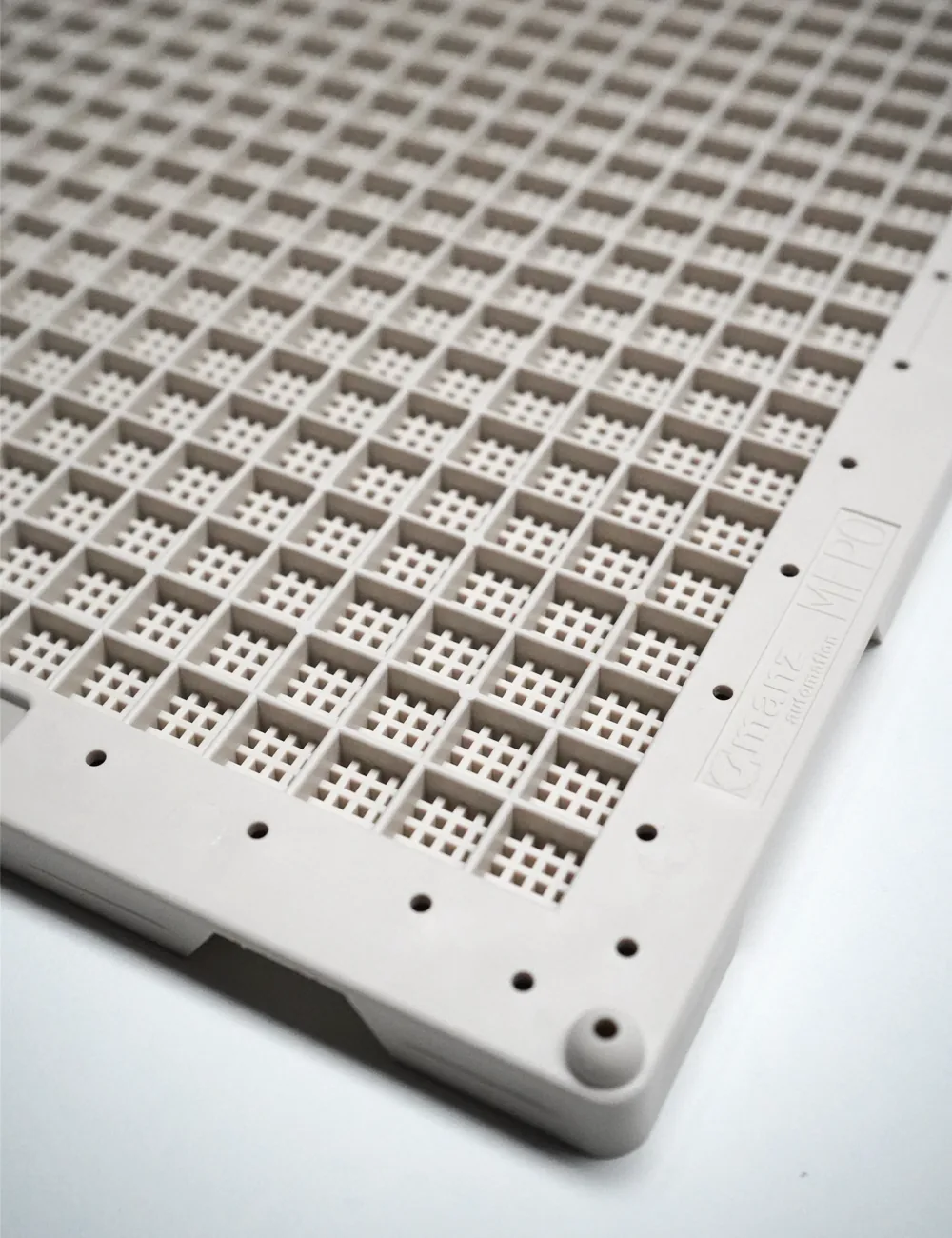
Article numbers instead of visual guesswork
For a reorder, an existing delivery note or a clear master data record is the best starting point. Use the complete number. A picture can help, but should not be the only basis. Depending on perspective, pocket sizes can look similar, and a photo shows no material properties.
The current overview can be found in the product overview, where every model leads to its own detail page.
Create a comparison matrix
For a new application, a simple table is worthwhile. Each row describes a requirement: part position, usable pocket, removal, machine holder, media and load. Each column stands for one candidate. Mark the results as suitable, unclear or unsuitable. This keeps visible where information is missing.
Consider outer format and pocket geometry separately
The outer format matters for supports, guides or magazines. The pocket geometry, on the other hand, determines how the part is held. A pallet can fit on the outside while the loading is unsuitable. Conversely, a part can lie well in a pocket even though the carrier does not fit the existing holder. Both levels need their own check.
Classic and Standard/pearl white explained
Classic is the grey version, Standard/pearl white the white one – each with its own article number. So when reordering, the colour of your existing pallets already tells you which version you need. The two colours can also be used deliberately, for example to keep pallets for different process steps apart. If a camera works with the pallets, briefly test part recognition before changing colour.
Dimensioned drawing for design and machine planning
Every product page shows a dimensioned top view with outer dimensions, pocket size and height – also as an SVG download. For designing a pallet holder or magazine, you receive the binding dimensioned drawing for your chosen version with our quotation. Please state the article number.
Document the decision
Note not only the selected model but also the reason: for example a suitable holder, confirmed process conditions or a successful sample test. Keep open points separately. This keeps the decision traceable for later reorders and change reviews.
To MFP 0 · To MFP 4 · Selection guide
MFP 0 to MFP 4 compared: dimensions and capacity
| Model | Outer dimensions | Pocket dimensions | Parts per pallet |
|---|---|---|---|
| MFP 0 | 383 × 281.3 × 14 mm | 11.8 × 11.8 × 5.0 mm | 408 |
| MFP 1 | 383 × 281.3 × 14 mm | 17.7 × 17.7 × 6.5 mm | 204 |
| MFP 2 | 383 × 281.3 × 14 mm | 27.8 × 26.1 × 7.5 mm | 96 |
| MFP 3 | 383 × 281.3 × 18 mm | 37.9 × 35.6 × 9.5 mm | 54 |
| MFP 4 | 383 × 281.3 × 26 mm | 57.7 × 54.3 × 17.5 mm | 24 |
Source: Manz data sheet 08/2020. The binding dimensioned drawing for your chosen version comes with our quotation.
The footprint is the same for all five models. MFP 0, MFP 1 and MFP 2 are 14 mm high, MFP 3 is 18 mm and MFP 4 is 26 mm. With each higher model number, the pockets get larger and the number of places smaller: the MFP 0 holds 408 parts, the MFP 4 only 24 – but parts of up to 57.7 × 54.3 mm.